FAQs
1. Is this certification for WordPress developers on any platform?
Yes. The certification is intentionally platform‑agnostic, ensuring its relevance for WordPress professionals regardless of hosting environment or technical stack.
2. Who is eligible to take the exam?
Candidates should have prior experience in professional software development and a solid understanding of WordPress architecture and coding best practices.
We recommend 3–5 years of hands-on WordPress development experience, covering both backend and frontend work, including:
- Full site builds
- Architectural design, custom theme and plugin development
- Site migrations
- Performance optimization and security hardening
- Debugging and error resolution
- Scaling WordPress for high-traffic environments
We recommend reading the exam guide, training guide and doing the free practice quiz.
3. Is the exam tied to a specific WordPress version?
Yes. The Advanced Professional WordPress Developer exam currently validates skills against WordPress 6.8. To maintain accuracy and relevance, the certification will be reviewed and updated annually in line with major WordPress releases.
A formal update cycle will be published in 2026 to outline how and when the certification will be refreshed in line with major WordPress releases.
4. What kind of test format is the exam?
The exam is a multiple choice format test, with single answer or multiple answer options.
It is delivered via an online exam or in a test center and requires the installation of internet browser lockdown software.
The exam will be proctored with a live-person proctor after the browser lockdown software has been installed. Read the online proctored guidance and the online testing requirements.
5. How much time will it take to complete the exam?
The exam has a maximum time of two hours.
6. Will I receive my result immediately?
All exam candidates will receive a PASS/FAIL result immediately on completing the exam. This will also be sent via email to the address provided during registration.
Successful candidates will also be issued with the digital credential from Accredible upon exam completion.
You will not be able to review correct answers or the questions after exam completion; this is to help ensure the integrity of the exam.
7. What happens if I fail the certification exam?
You will be eligible to retake the exam again after 14 days for the standard certification exam price of $250. The retake limitations are currently as follows:
- 2nd registration after 14 day(s) from the previous attempt.
- 3rd registration after 30 day(s) from the previous attempt.
- 4th registration after 60 day(s) from the previous attempt.
- 5th registration after 180 day(s) from the previous attempt.
9. Is the certification exam available in other languages?
The beta exam is currently available globally in English only.
10. Will I receive a score with my result?
The exam measures only whether someone meets the minimum passing standard, and we share a ‘PASS’ or ‘FAIL’ result with candidates rather than a score.
We also share exam section strength and weakness indicators like these:
| Scalability and Architecture: | Strongest area |
| Custom Development: | Stronger area |
| WordPress Core: | Stronger area |
| Security: | Weaker area |
| Change Management: | Weakest area |
| Disaster Recovery: | Weaker area |
For exam security we are unable to give exact scores for the sections.
The “strengths” and “weaknesses” are a candidate’s highest three and lowest three scores by raw percentages, so there is no indication of how each section scored compared to a passing score. These designations are to inform a candidate’s future study.
11. How long will the credential valid for?
The credential is valid for three years and can be renewed at a 20% discount.
12. Are there training prerequisites or study materials required to take the certification exam?
No. There are currently no prerequisites to taking the Advanced Professional WordPress Developer certification exam.
However, we advise reading the exam and training guides, and taking the practice test. The VIP Learn courses will support your preparation.
13. Are special accommodations available for candidates
Yes. Kryterion, the assessment provider is set up to handle special accommodations for both test center and online proctored tests. Test-center accommodations need 30 days’ notice to set up. Read more.
14. Can I change the name on my credential?
Yes, you will be able to request a name change on your credential from your Accredible credential page.
15. How do I redeem a coupon or voucher code?
Redeem a coupon or voucher code on the checkout page when you purchase the exam in Webassessor.
16. For the practice test, is there a way to see which questions I got right or wrong?
Yes.
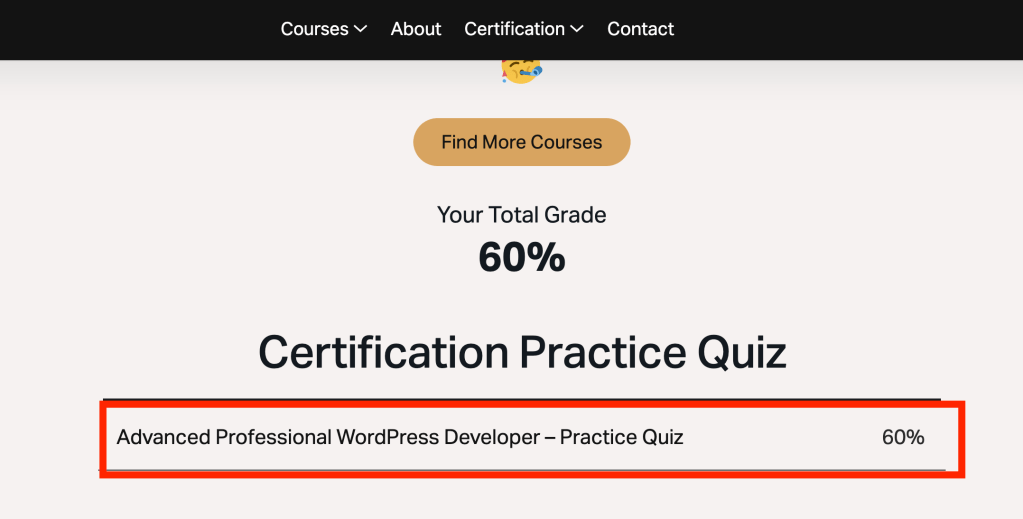
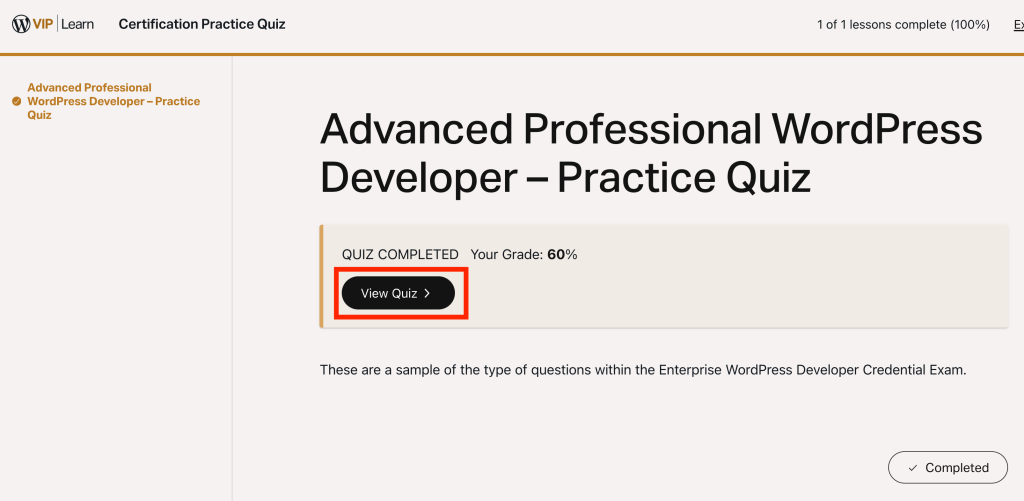
Option 1. If you take the quiz on this site, click on the following links to see your results.
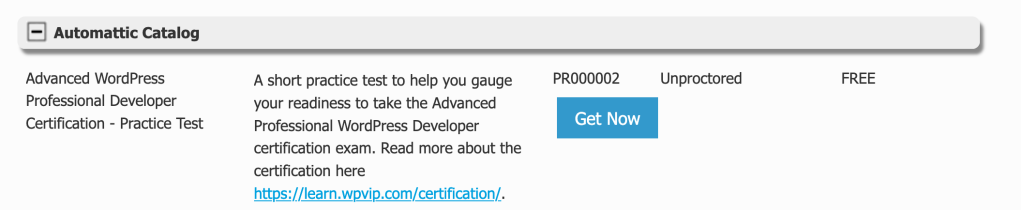
Option 2. If you take the practice test on the Webassessor site:
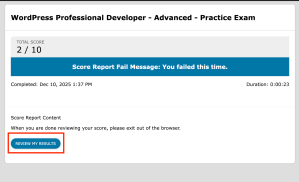
Click ‘Review My Results’ on the final test page.